
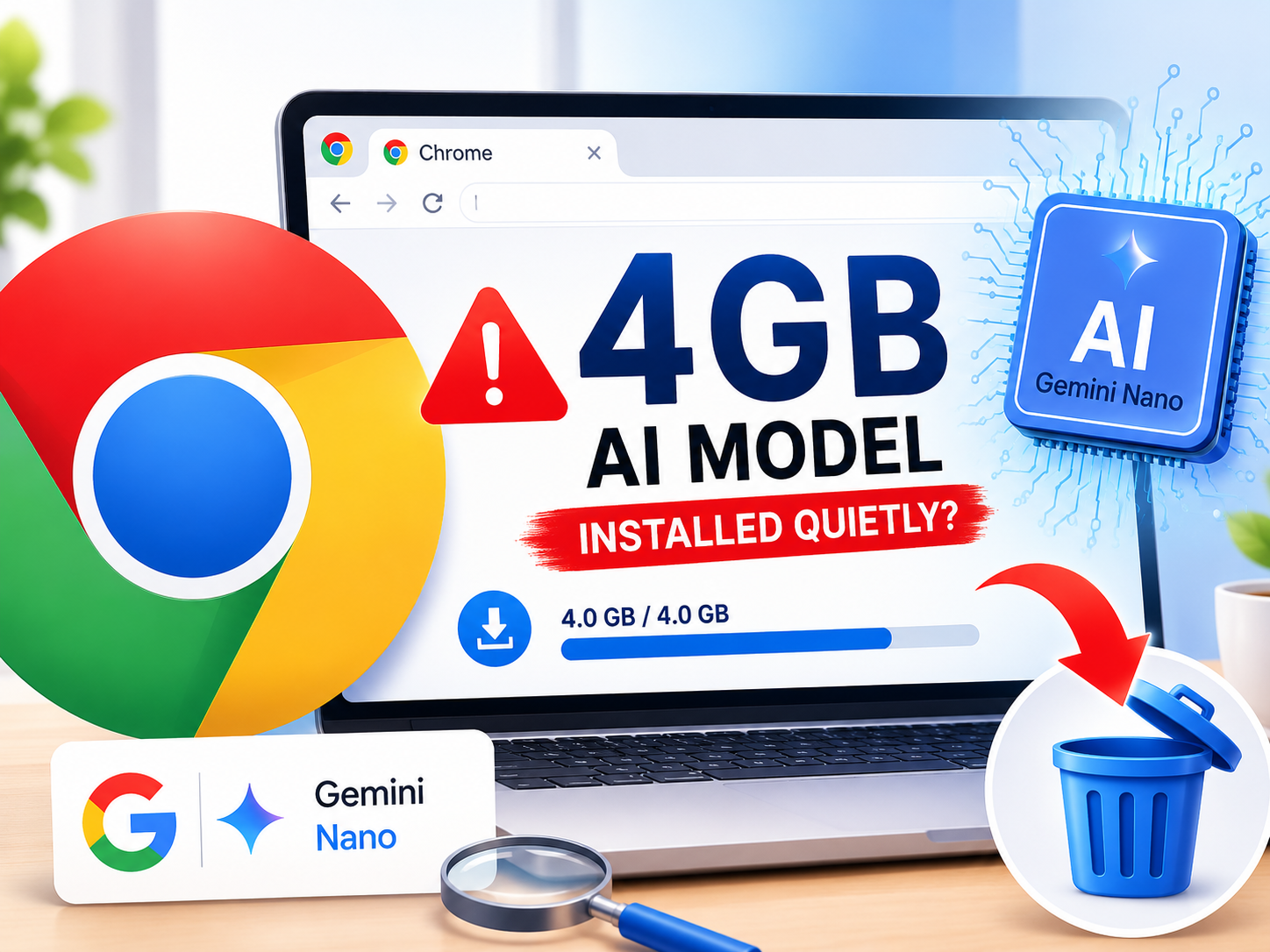
In a move that caught many users and developers off guard, Google has begun silently shipping a 4GB Large Language Model (LLM)—Gemini Nano—directly to desktop Chrome browsers. First spotted by keen-eyed developers and reported by The Indian Express, this background download marks a significant shift toward on-device AI processing, but it raises immediate questions about disk space, user consent, and data privacy.
1. The "Invisible" Download: What Actually Happened?
Unlike a standard Chrome update (usually 100–200MB), users reported a massive 3.5GB to 4GB payload downloading in the background via the Chrome Components updater (specifically the "Optimization Guide On Device Model"). There was no pop-up, no changelog highlight, and no explicit opt-in prompt.
Stat Alert: According to StatCounter, Chrome holds a 65.3% global browser market share (as of May 2024). This silent rollout potentially affects over 3 billion active users, instantly making Gemini Nano one of the most widely distributed LLMs in history.
2. Why Is Google Doing This? The Power of Client-Side AI
The strategy mirrors Apple’s "Apple Intelligence" approach: move inference to the edge. By running the model locally, Google unlocks three critical advantages:
- Latency: Near-instant responses for features like "Help Me Write" without round-trips to the cloud.
- Privacy: Sensitive text (emails, documents, passwords) never leaves the device.
- Cost: Drastically reduces Google’s GPU inference cloud bills.
Real-World Example: Imagine drafting a sensitive HR email in Gmail. With cloud AI, that text hits Google’s servers. With Gemini Nano, the summarization or tone adjustment happens entirely on your laptop—even on airplane mode.
3. The Trade-off: Storage Pressure on Entry-Level Hardware
A 4GB model file (plus overhead) is trivial on a 1TB SSD but painful on a 64GB or 128GB eMMC drive common in budget Chromebooks and Windows laptops. On a 128GB drive with OS bloat, 4GB represents 3–5% of total usable storage.
Furthermore, the model isn't a one-time download. As Google pushes updates (quantization improvements, safety alignment patches), the component will re-download, consuming bandwidth and write cycles on SSDs.
4. How to Check If You Have It (And Remove It)
You can verify the installation and manage it via Chrome’s internal component page:
- Type
chrome://componentsin the address bar and hit Enter. - Scroll to "Optimization Guide On Device Model".
- If you see a version number (e.g.,
2024.5.21.1) and a size ~4GB, it’s installed. - To remove: There is no "Uninstall" button. You must delete the folder manually:
Windows:C:\Users\[User]\AppData\Local\Google\Chrome\User Data\Optimization Guide On Device Model\
Mac/Linux:~/Library/Application Support/Google/Chrome/Optimization Guide On Device Model/ - Restart Chrome. Note: It may re-download on next update check.
5. Can You Permanently Disable It?
For enterprise admins or power users, the Enterprise Policy route is the only "permanent" fix. Set the policy OptimizationGuideOnDeviceModelEnabled to false via:
HKLM\Software\Policies\Google\Chrome (Windows Registry) or JSON policy files (Mac/Linux).
Standard consumers can toggle "Make searches and browsing better" off in Settings > You and Google > Sync and Google services, though this disables other optimization features, not just the model.
6. The Bigger Picture: The "Agentic" Browser Era
This isn't just about "Help Me Write." Google is building the substrate for Project Astra and future AI Agents that browse, click, and summarize autonomously. A local model is the prerequisite for an agent that can "read" your open tabs without uploading your banking session to the cloud.
Final Verdict: Convenience vs. Control
Gemini Nano in Chrome is a technical marvel—bringing 4-bit quantized LLM inference to the masses. But the lack of transparency violates the principle of informed consent. If you have ample storage and trust Google’s on-device privacy architecture, keep it. If you are on a 128GB drive, metered connection, or strict data governance policy, delete the folder and set the Enterprise Policy flag today.
Have you noticed the download on your machine? Share your disk usage stats in the comments below.
